
How to Plan CCTV Coverage Without Creating Blind Spots
A practical guide to choosing camera positions, recording capacity and remote access for a useful—not merely visible—surveillance system.
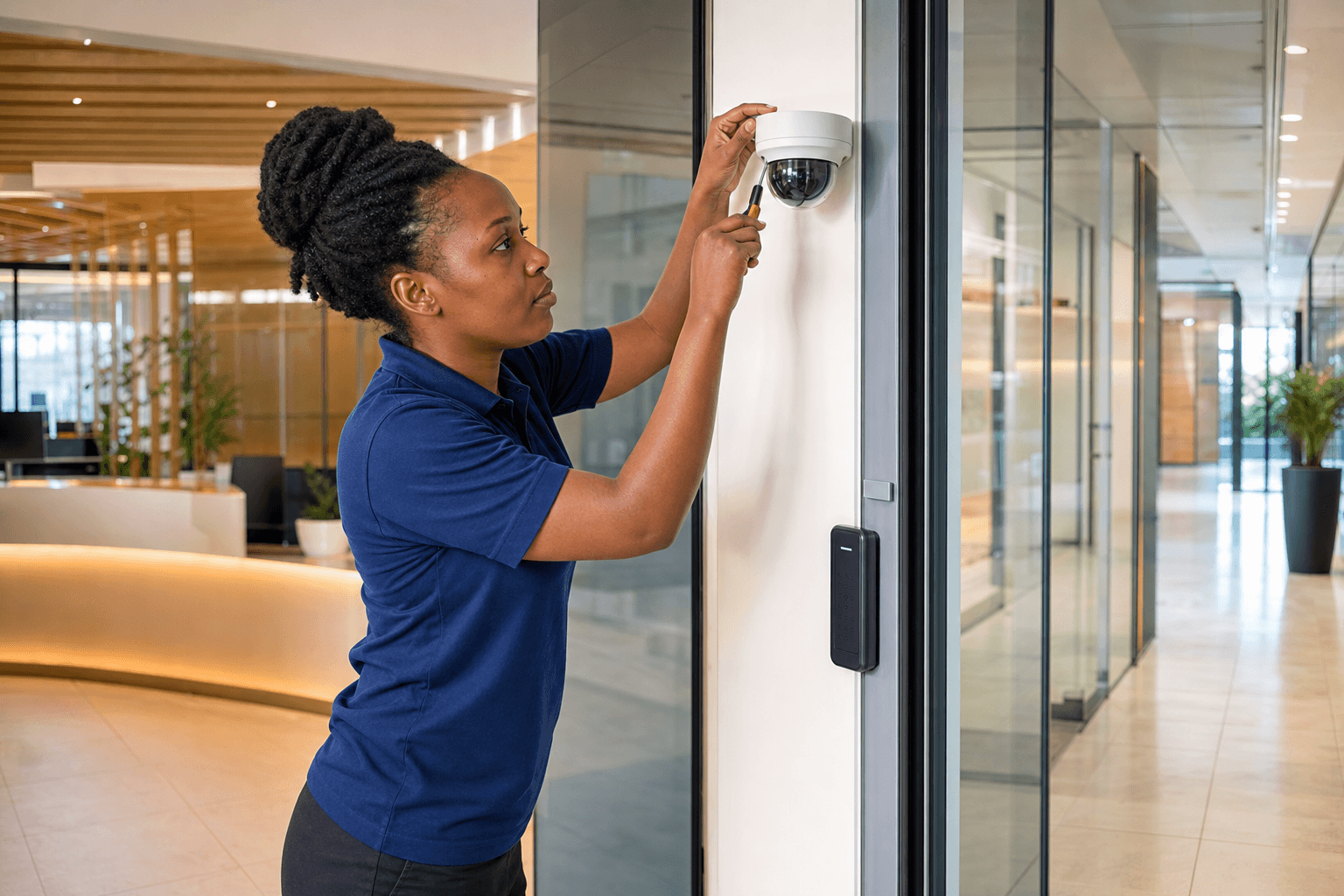
A good CCTV system does more than place cameras on walls. It gives you usable evidence, covers the activity that matters and remains dependable when you need to review an incident. The planning stage determines whether that happens.
Start with the questions you need video to answer
Walk through the site and list the events you would need to investigate. At a gate, you may need to identify a driver and read a registration plate. At a store entrance, you may need a clear view of every person entering. In a warehouse, understanding movement may matter more than capturing a face at close range.
These are different jobs. One wide camera cannot always perform all of them well.
Match the view to the risk
Classify each proposed view as detection, observation, recognition or identification. The closer you move toward identification, the more image detail you need. That usually means a narrower field of view or a higher-resolution camera positioned at the right angle.
Plan for real lighting conditions
A position that looks clear at midday may be difficult at night or when headlights face the camera. Review the site at different times and look for:
- Strong backlight from doors and windows
- Dark corners and changing outdoor light
- Headlights, security lights and reflective surfaces
- Branches or insects close to infrared illuminators
Day/night cameras help, but good placement still matters. Where lighting is especially difficult, cameras with wide dynamic range can preserve detail in bright and dark areas of the same scene.
Size recording around the evidence you need
Storage requirements depend on camera count, resolution, frame rate, compression, activity and the number of days you need to retain footage. Avoid choosing a recorder based on the number of channels alone.
Ask your installer to state the expected retention period and the assumptions used. For many sites, event-based recording can extend retention, but critical views may still warrant continuous recording.
Protect remote access
Mobile viewing is convenient, particularly for property managers and business owners who move between locations. It should also be configured carefully.
Use unique passwords, remove unused accounts and keep recorder firmware supported. Give each person their own level of access instead of sharing one administrator account across the organization.
Include maintenance in the design
Cameras collect dust, views are blocked by new signs or trees, hard drives wear and network settings change. A useful maintenance routine includes:
- Checking every live view and night image
- Confirming the recorder is storing footage for the expected period
- Testing playback and export
- Reviewing user accounts and remote access
- Cleaning housings and checking mounts
The best time to discover a recording problem is during a planned health check—not after an incident.
A clear next step
Before requesting quotations, prepare a simple site plan and mark entrances, high-value areas, public routes and places that are difficult to supervise. A professional survey can then turn those priorities into camera views, equipment specifications and a transparent scope of work.